













Mr Web
58.8K subscribers
Today, I'm going to show you one of the most powerful cost calculators on the market right now. It's a very powerful solution that will allow you to cover multiple case scenarios and is also intuitive to use.

Learn why Cost Calculator is a better option for creating quote, estimates and any kind of form calculator.
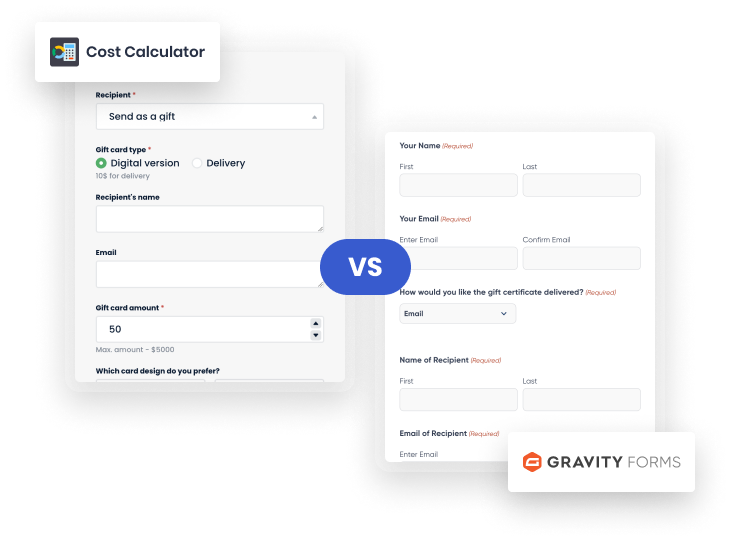
Gravity Forms is a powerful form builder but doesn’t allow for complex calculations natively. You need to purchase a separate add on such as Gravity Forms Advanced Calculations.
Cost Calculator exists to make powerful form calculations a breeze. See a demo.
Gravity Forms do a good job at capturing submissions but are not designed to offer an interactive calculator tool. This impacts the conversion rates. Layout options are limited too.
Cost Calculator forms look great, are interactive and offer better conversion rates. Check out some examples.
Gravity Forms costs $59 for a single site but you’ll need to purchase an add on for advanced calculations, bringing the total to over $100!
Cost Calculator costs $49 for a single site, and that’s all you need. We offer a free version too!
WPForms and Formidable Forms cost twice as much when you renew after the first year - check their small print.
Saving you hundreds of dollars over the years.
Our free version is packed with so many features you might not even need the Pro version!
Let's take a look as key cost calculator features.

Gravity forms quote calculators a basic. You’re just capturing data.
You can receive submissions by email or route them to a third party system via an integration, but you can’t manage orders.
Cost Calculator offers an Orders Management dashboard where you can view, manage and action every quote submission.
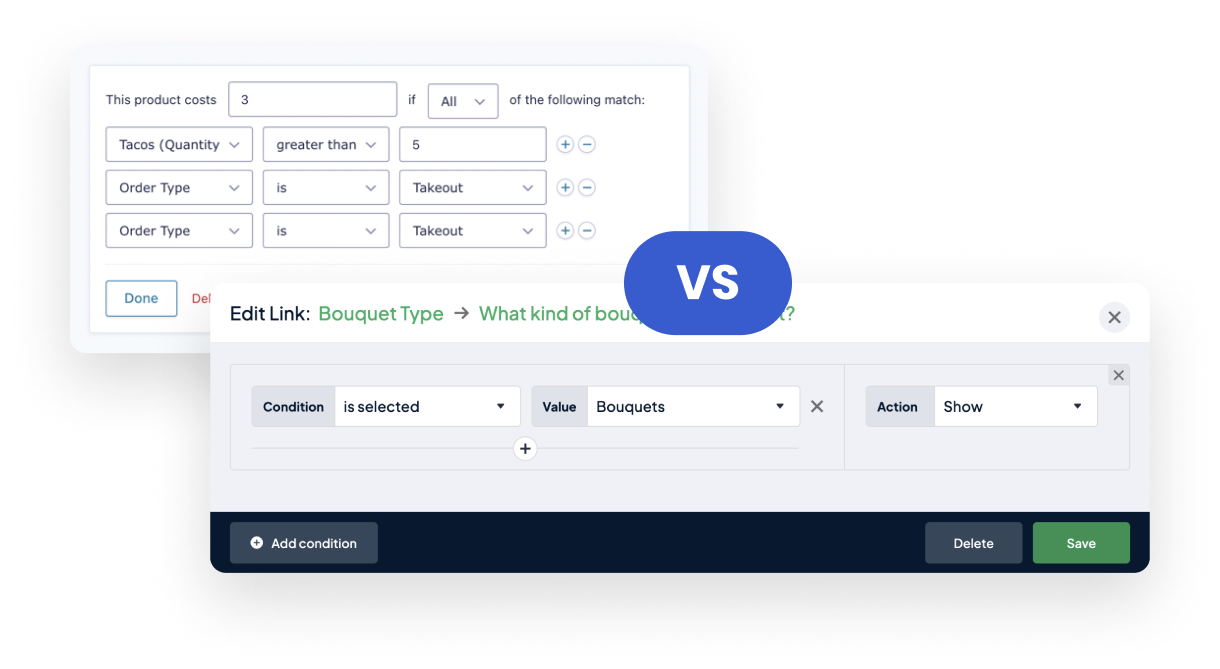
Again, you’ll need to purchase an add on such as Gravity Wiz Conditional Pricing to access more powerful conditional pricing features.
The bad news is that this is an extra cost AND usability isn’t great.
With Cost Calculator, you define conditions and logic on a drag-and-drop canvas. Try it out now.
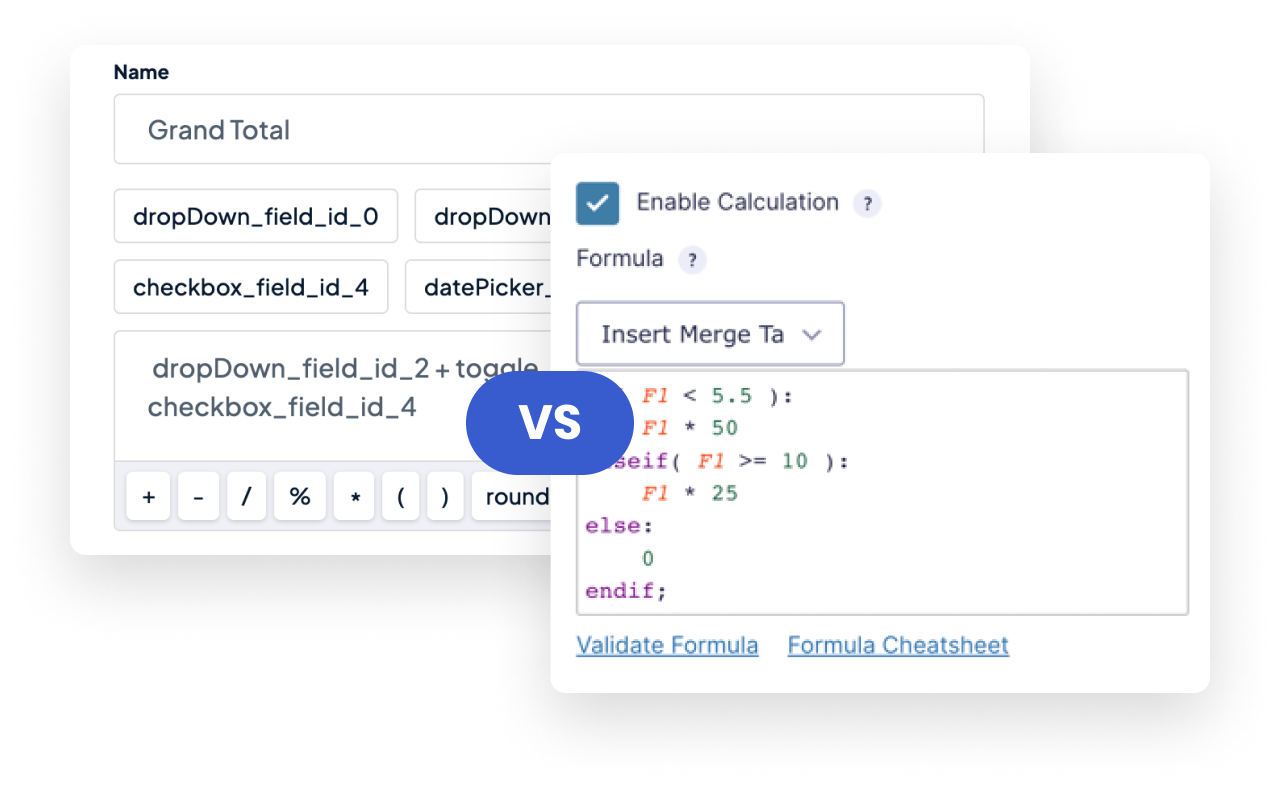
Gravity Forms advanced calculations are not that advanced.
You will need to use an add on like Gravity Wiz Advanced Calculations and be a... mathematics wiz and enter formulas in a blank field!
Cost Calculator makes it easy for anyone to quickly create advacned calculations in quote forms. Check out a live demo.
Need to extend pricing options for your WooCommerce products?
You’ll need to find an add such as Gravity Forms Product Add-Ons and pay over $100/year for it, on top of the Gravity Forms licence.
Cost Calculator is fully compatible with WooCommerce, bringing powerful price calculations to each product. Learn more.

Conditions Feature
WooCommerce Price Calculator
Orders Dashboard
Custom Calculator for Variable Products
PDF Entries
Unlimited Attaching Files
If you need standard form functionality we have you covered.
Cost Calculator's integration Contact Form 7, WordPress’ most popular FREE form plugin, means you don’t need alternatives such as Gravity Forms, WPForms or Formidable Forms.

58.8K subscribers
Today, I'm going to show you one of the most powerful cost calculators on the market right now. It's a very powerful solution that will allow you to cover multiple case scenarios and is also intuitive to use.

85.6K subscribers
How nice would it be to have a cost calculator running on your WordPress website so that your customers can come in, make some selections, and start to see a real-time quote.

82.4K subscribers
Have you ever wondered how certain websites, especially those with cost calculators, are created? This has now been revealed because I came across a plugin that can pretty much calculate anything!
I have spent considerable time looks for a cost calculator WordPress plugin and I have been very happy with this one by StylemixThemes

I’ve tried many calculator plugins and found them all to be lacking in features. Cost Calculator lets me create a pricing form with ease.

Many custom calculator plugins are either too basic or too complicated. I’ve been very happy with this cost calculator builder

The calculator is the most versatile I could get my hands on. Compared to all the others I have tried, this is the best free calculator out there!

Cost Calculator Plugin is exactly what my website needed. It does everything as promised and the support is incredible! Very robust and reliable.

It’s really super easy to use for the visitors. It does exactly what it says with ease. And in addition, it’s free. Thank you StylemixThemes!

I am currently using your plugin and I have to say a big THANK YOU! Very easy to use, clean interface, it does exactly what it is supposed to do.

Cost Calculator definitely has endless possibilities and plugs fluently into every website. The plugin gives a lot of flexibility to build any calculation forms.

A great plugin! We were able to create calculators and dynamic forms just as we needed. The tech support is very prompt and helpful!

Great Calculator Plugin for my Wordpress website! In just a few minutes, I set up the calculation of the price of cargo delivery. Great job!

I have been looking for a Calculator on my website for a long time to calculate the cost at my prices. The main requirement was a custom calculation formula. StylemixThemes Cost Calculator did a great job!

My business has a complex pricing system, so it was problematic to set up the calculator form on the website. The Cost Calculator by StylemixThemes turned out to be a convenient cost calculation builder. You can not only set the formula and prices, but also various conditions that change the calculation!

Not at all. Gravity Forms is a generic form builder that can be used for many different use cases. It does many things well enough. StylemixThemes Cost Calculator was developed specifically for quote forms, estimations and pricing calculations and is a much more powerful tool for these functions.
Actually, Gravity Form’s conditional logic isn’t very flexible. You’re defining logic row-by-row in a linear way, choosing AND or OR as the operator for all conditions. We’ve build a canvas allowing you to visually create a conditional logic flow. It’s much more powerful and intuitive.
Gravity Forms dynamic pricing isn't that dynamic unless you purchase an add on such as Gravity Wiz's Conditional Pricing, which will set you back $59 a year on top of Gravity Forms' own cost. StylemixThemes Cost Calculator offers dynamic pricing via the Conditional System, WooCommerce Price Calculator and Variable Products pricing function. So you have different ways to achieve dynamic pricing.
Yes, absolutely. Calculations and storing values to display totals make the plugin work! As mentioned in the previous FAQ, there are different ways to handle values. Any Gravity Form calculation can be made using Cost Calculator.
Yes! Considering you’re likely to need one or two more add-ons for conditions and calculations, the Pro version of StylemixThemes Cost Calculator works out to be less than half the price. Our free plugin is a viable Gravity Forms free alternative too.
We offer both annual and lifetime licences, with the latter starting at $169 and including lifetime support and updates.
Absolutely! Unlike Gravity Forms, we offer a free version of the plugin that is packed with features. Furthermore, if you’re using Gravity Forms to build a cost calculator, an estimation too or quote form, chances are that you will have to buy an additional add-on to achieve the same functionality as the free version of StylemixThemes Cost Calculator.
Launch our demo, try Cost Calculator and find our offer at the bottom of the page.