


Built for Dealerships Ready to Sell Online
Motors is a purpose-built solution that handles every part of your dealership or auto classified site, from inventory to leads. Whether you're listing 10 or 1,000 cars, it gives you a powerful system to showcase inventory, collect leads, and close more deals.
Smarter Inventory with Less Manual Work
List hundreds of vehicles in a fraction of the time with a centralized system and flexible fields that match your exact specs. Spend less time entering data and more time closing deals.

Made for Buyers from the Start
Turn visitors into buyers with a faster, smoother browsing journey. Use built-in search and contact tools that help your customers find the right car and connect with your team in seconds.

Launch Faster Without Developers
Go live with a professional site even if you’ve never touched a layout. Motors includes ready-to-launch templates, filters, and skins so your site looks like it was built by an agency.

Who it’s built for
Tailored for dealerships of all sizes, auto classifieds, marketplaces, and forward-thinking agencies and web developers.
Get advanced search, inventory management and a mobile ready design that you fully own and control with no monthly lock in.
Launch a high-performance vehicle marketplace with advanced filters, powerful search and unlimited listings all managed from one WordPress dashboard.
Deliver fast and conversion-focused dealer websites for clients with ready-made layouts, flexible customization and complete vendor freedom.



Free Test Drive
Try out the Motors plugin’s functionality fully before you buy. You can post listings or check dealers’ profiles and usernames. Get instant access to all features: Take Motors for a spin and see how it fits your unique dealership business. Get full access before you buy:
All-in-One
Listing Management
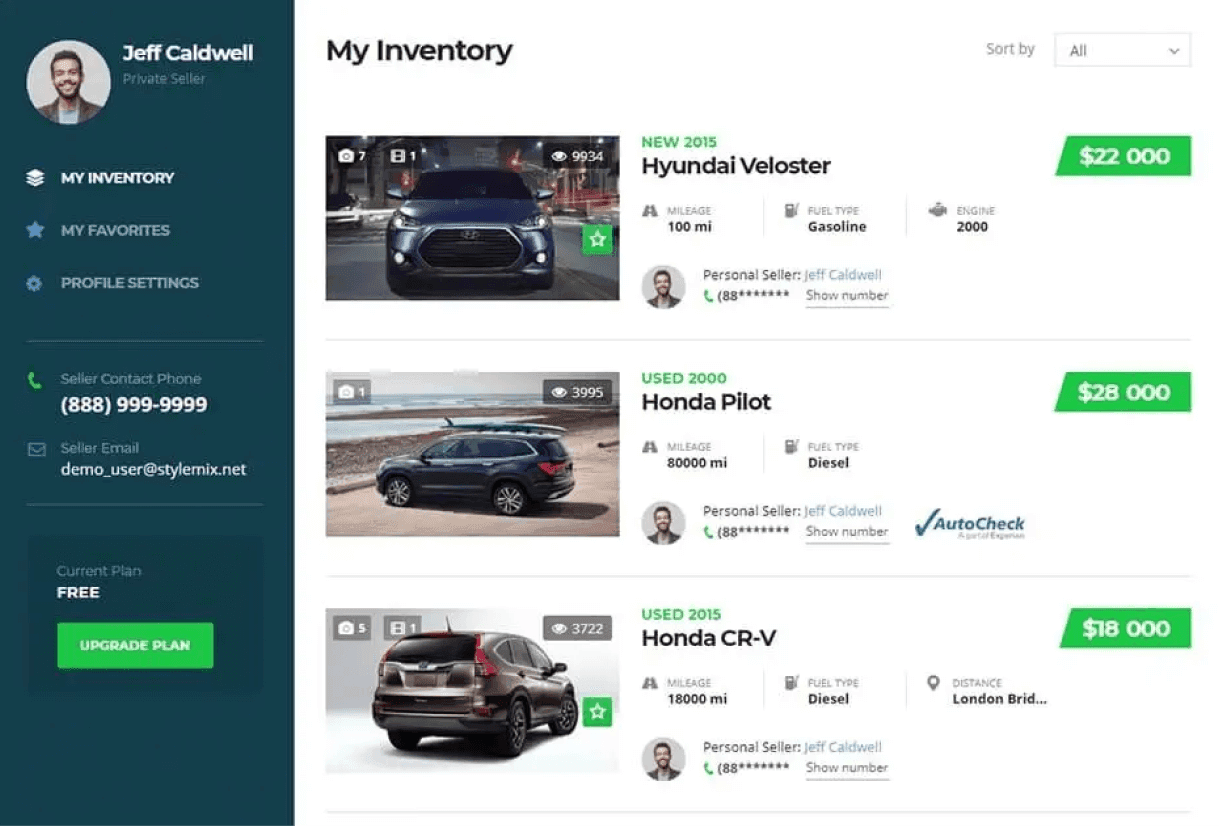
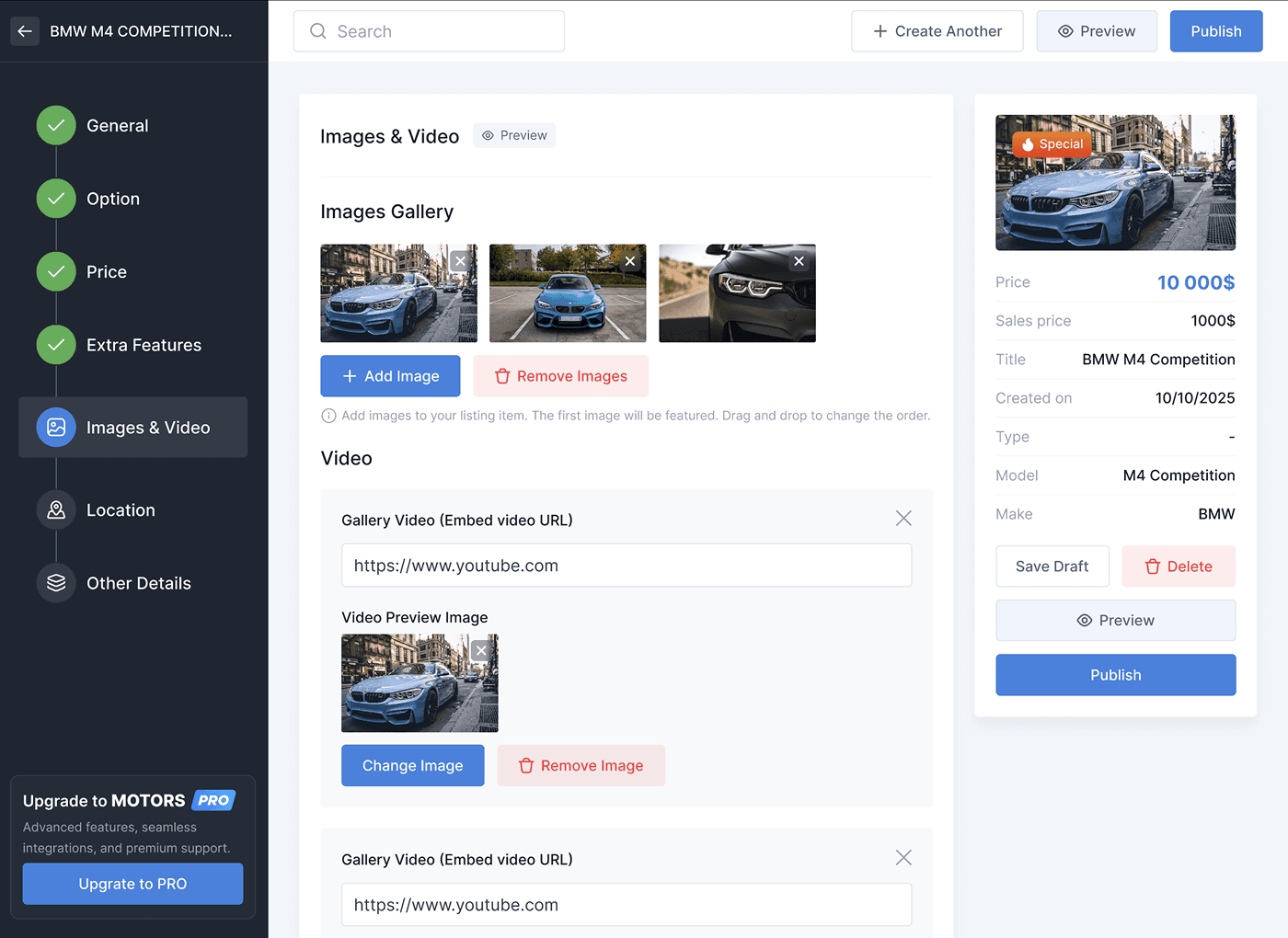
With Motors, you can easily create and edit your listings and listings posted by dealers right on your WordPress site without going to the admin panel. Handle every part of your vehicle listings from a single dashboard. Create and update listings with ease, whether it’s submitted by you in the backend or by users through the frontend.
- Add new listings
- Edit and update existing listings
- Delete listings you no longer want
- Submit listings via frontend listing form
- View listing statistics
- Mark items as sold
- Add or remove custom fields
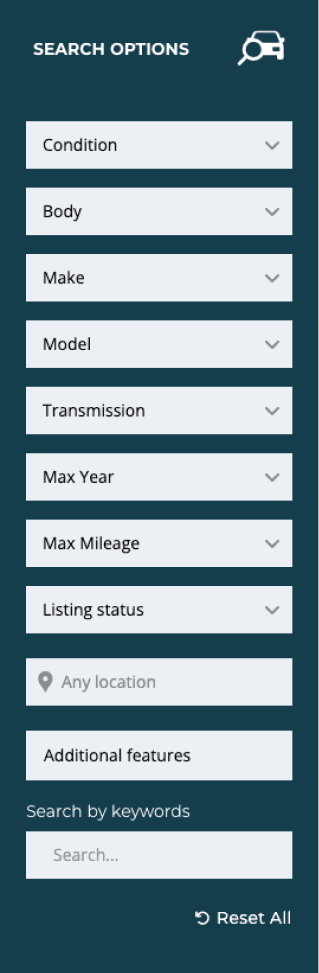
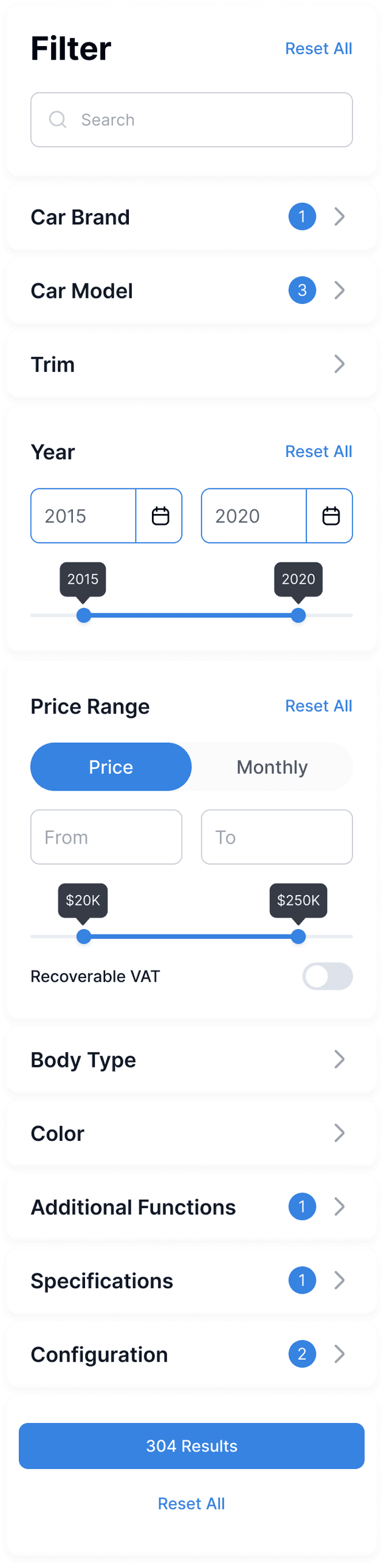
Advanced search filter
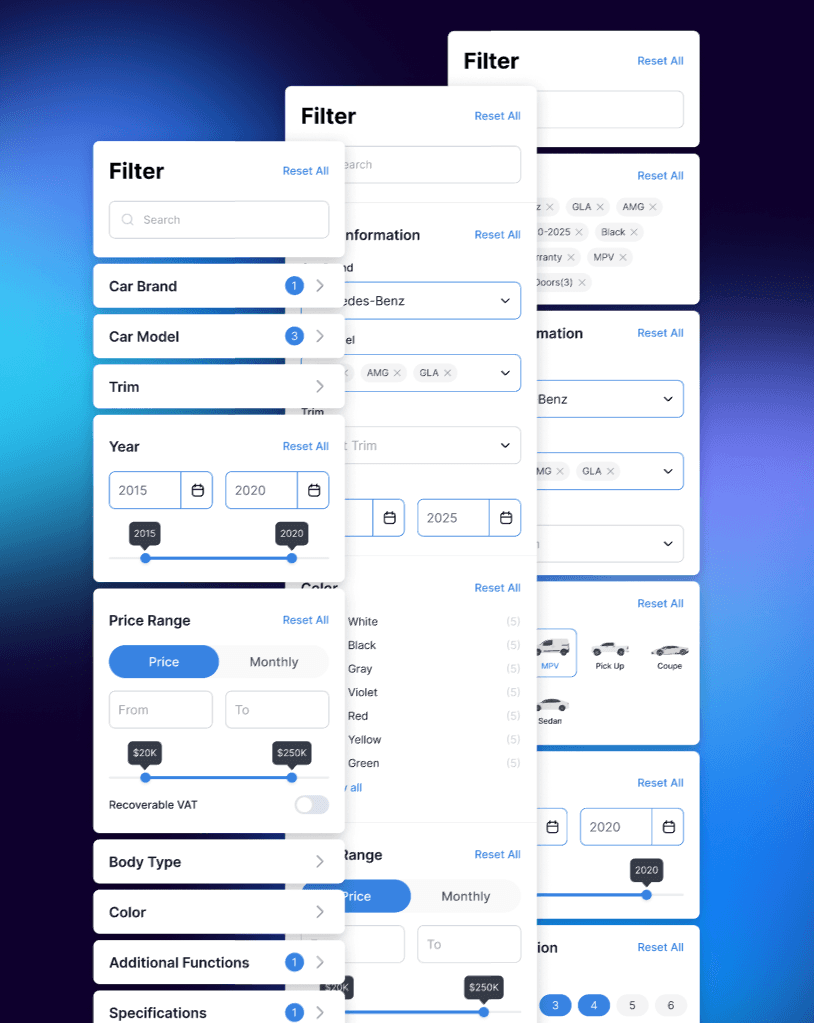
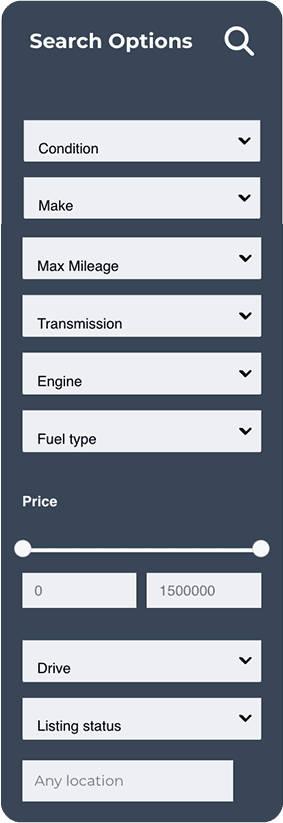
Add advanced search filters so your customers find exactly what they’re looking for. The car dealer plugin lets you use custom filters to narrow down search for customers. Help buyers find cars faster and buy sooner. Advanced filters let visitors see only the vehicles they want, leading to more inquiries and more sales.
- Custom filters
- Filter by features
- Search by location
- Search by distance
- Ajax filtering
- Dependent filters
- Search by keywords
New Inventory Skins
Let users find the right vehicle fast with personalized filters so they stop browsing and start buying.
01 Classic
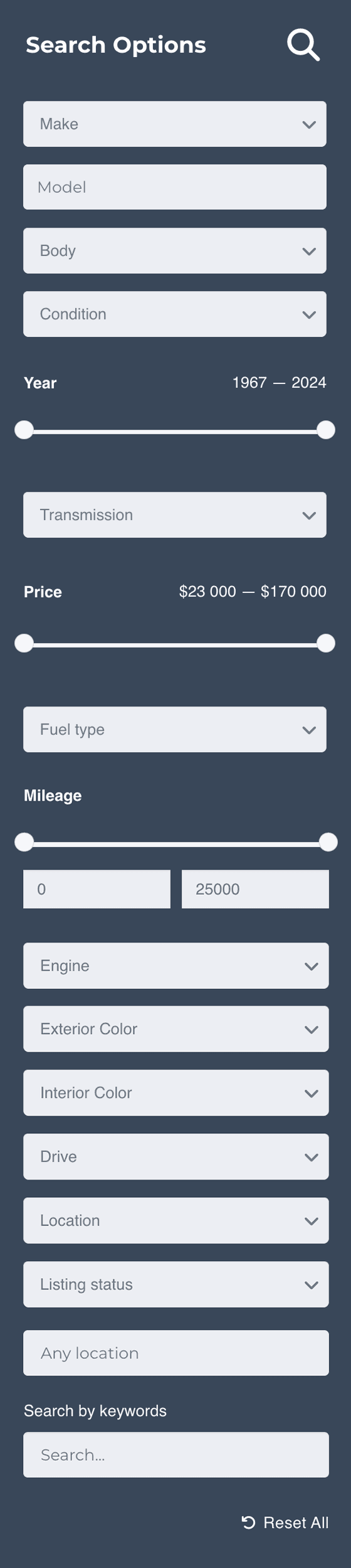
02 Modern

03 Modular
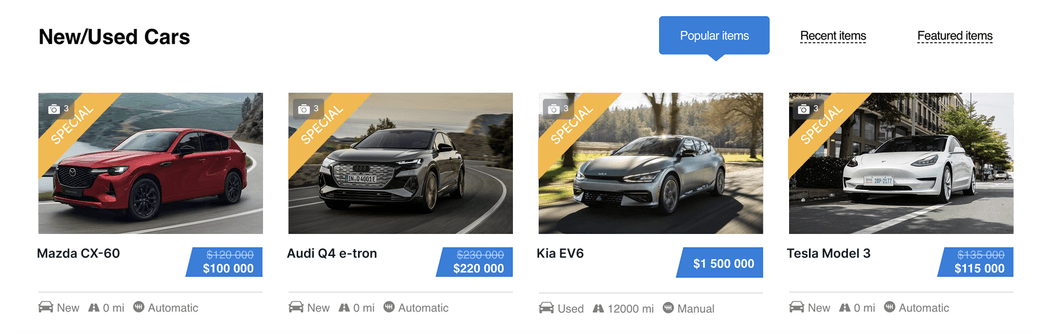
Listing Card Skins
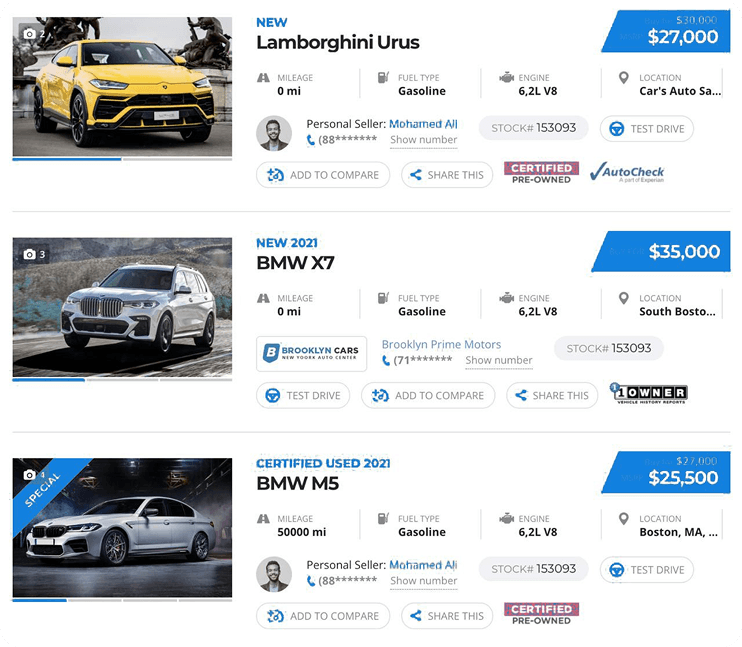
Make every listing sell itself. Highlight key details so buyers can compare options fast and choose with confidence.
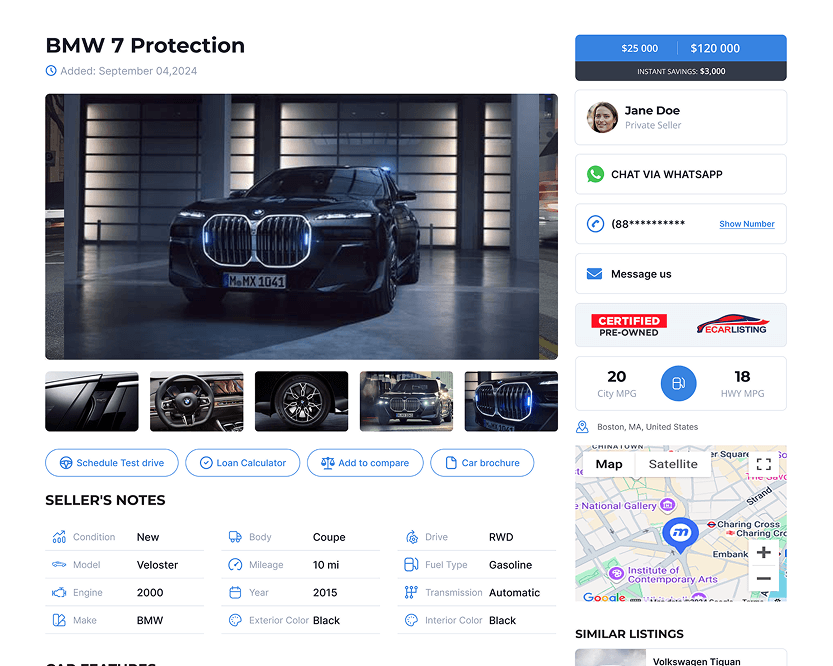
Ready-Made Listing Templates
Choose a template or create your own with Elementor to showcase listings.
Launch professional listings pages fast without sacrificing control over your site’s design and branding.
- Classic
- Carousel
- Mosaic
- Modern
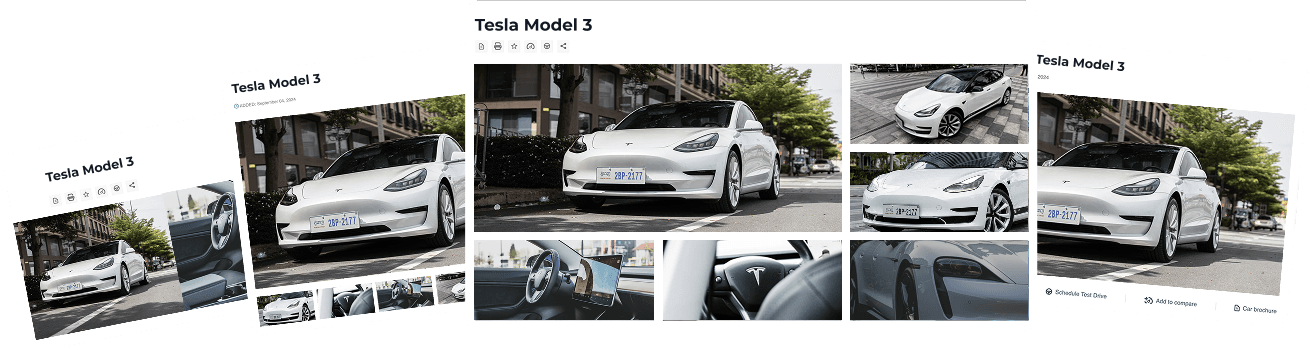
Image Gallery
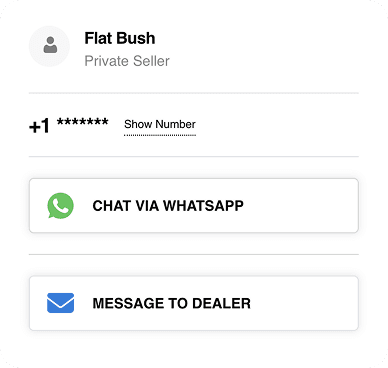
Seller Contact Card
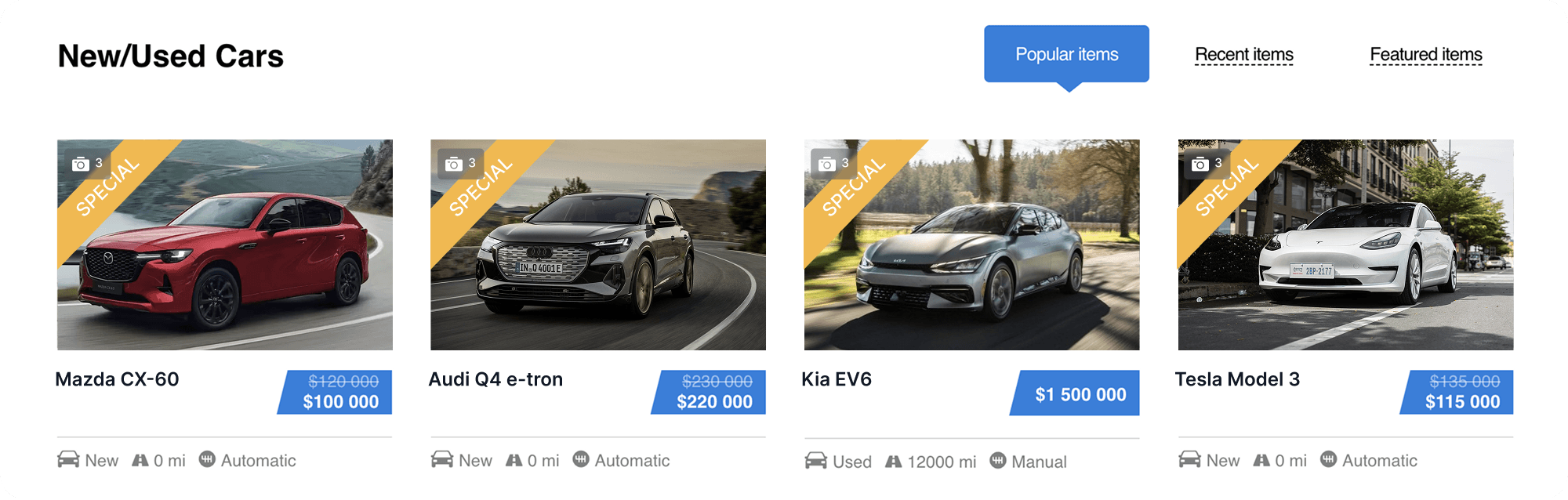
Listings grid tabs
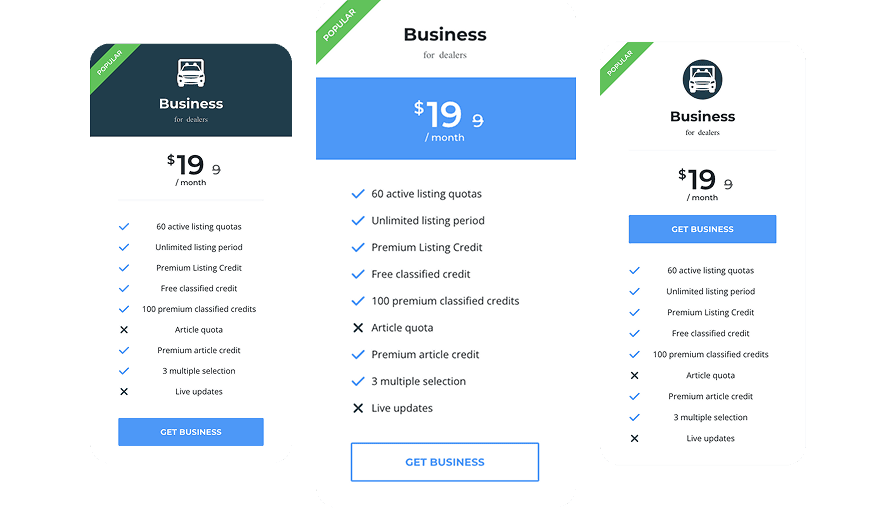
Pricing Plans
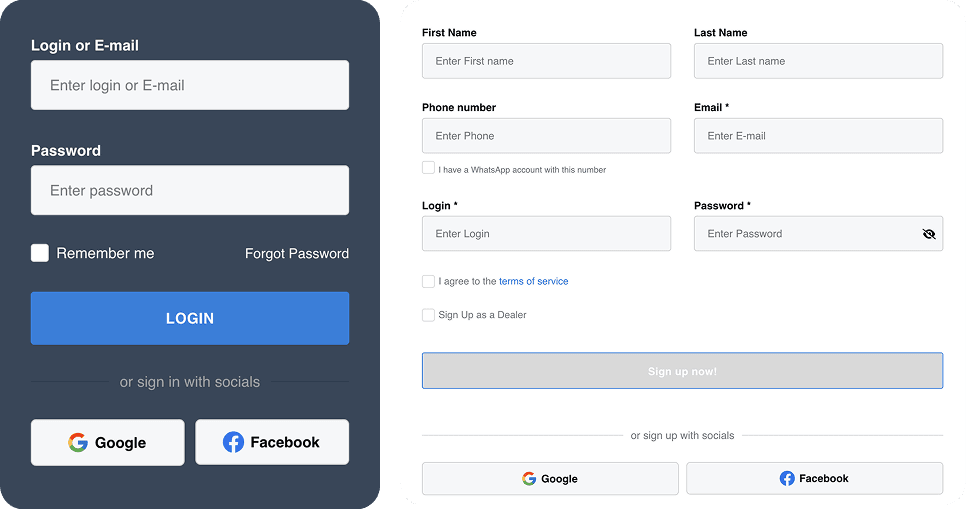
Social login
Price

Feature Icons

Listings Inventory
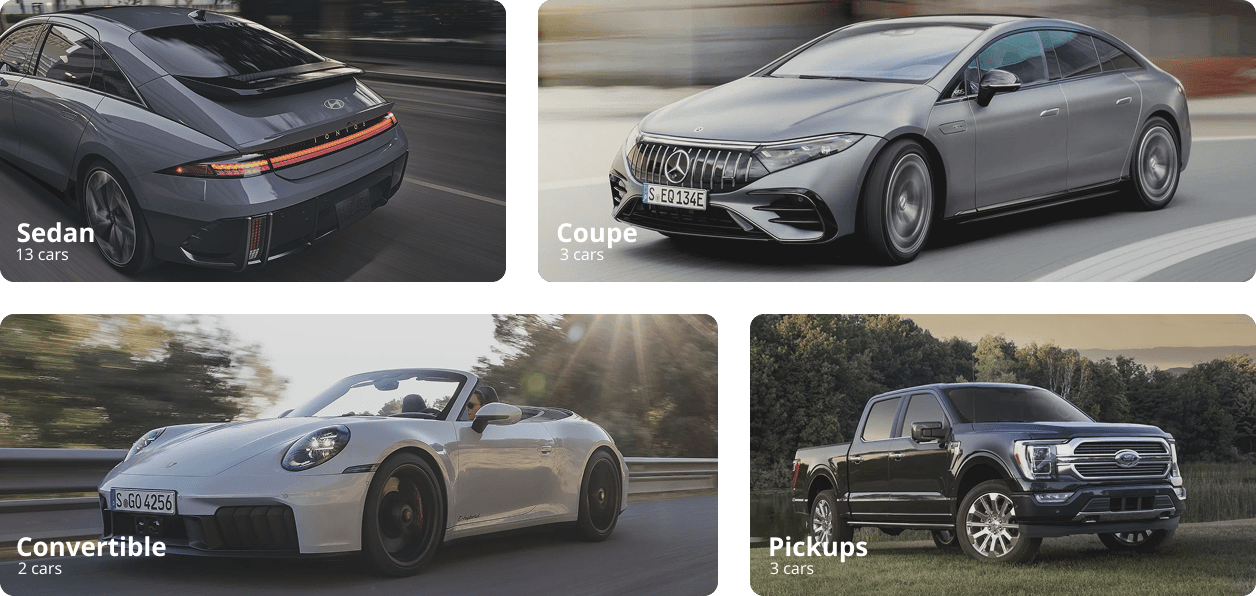
Category Tiles
Listings Grid
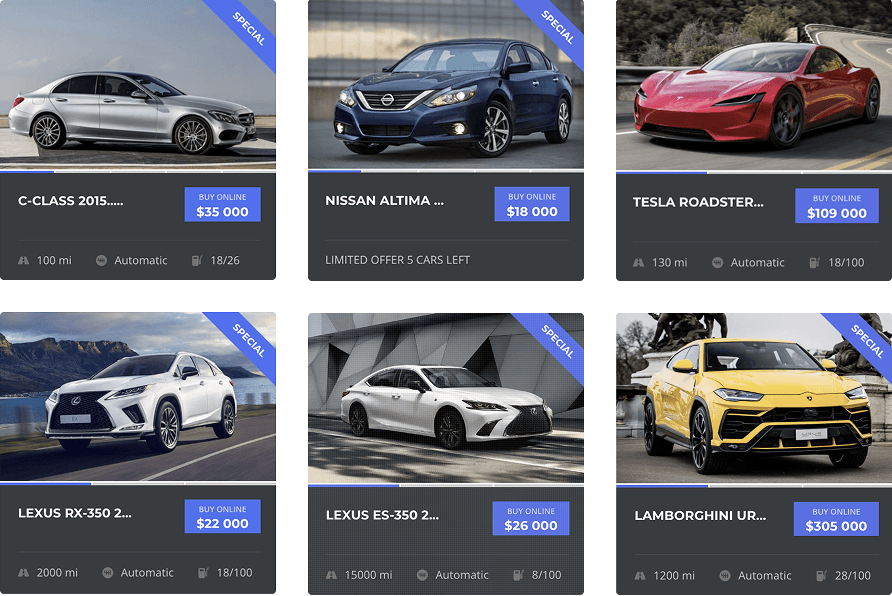
Image categories
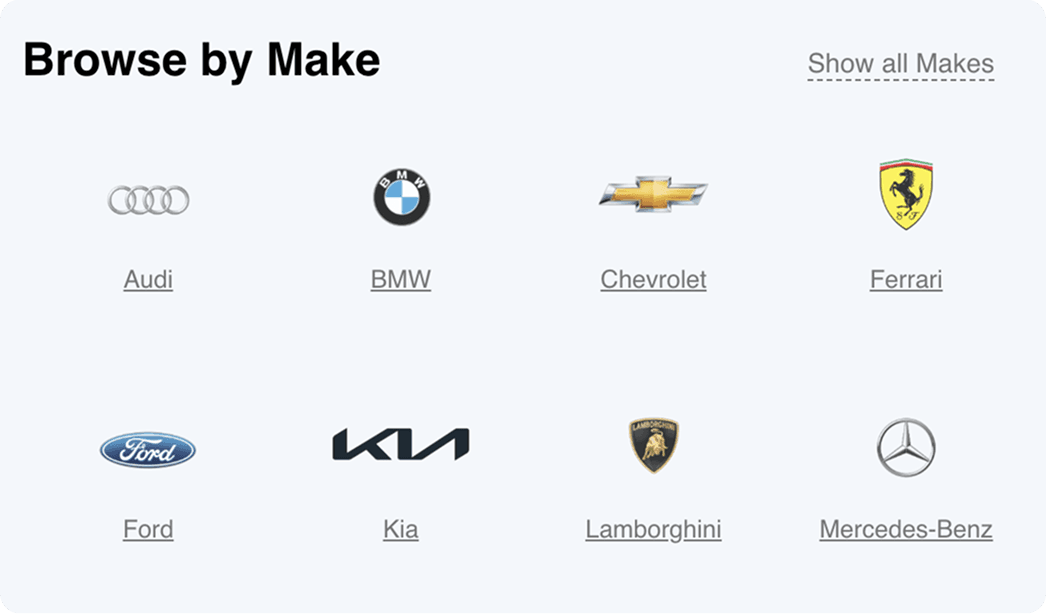
Listing search tabs

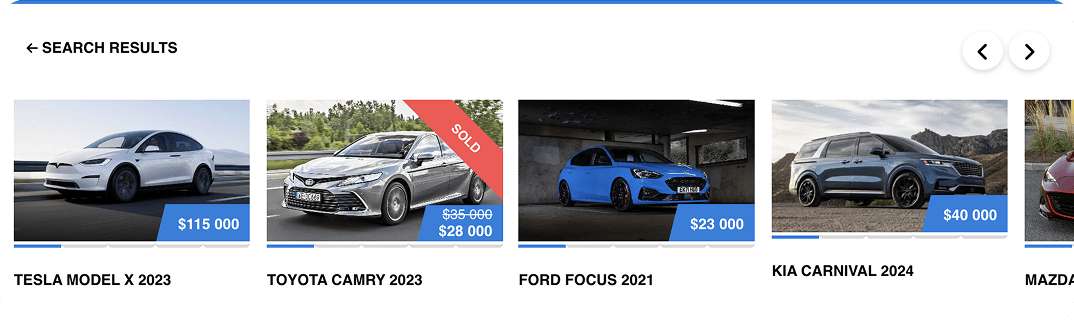
Search results
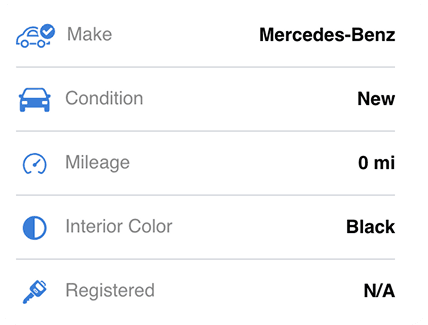
Custom Fields
Search filter
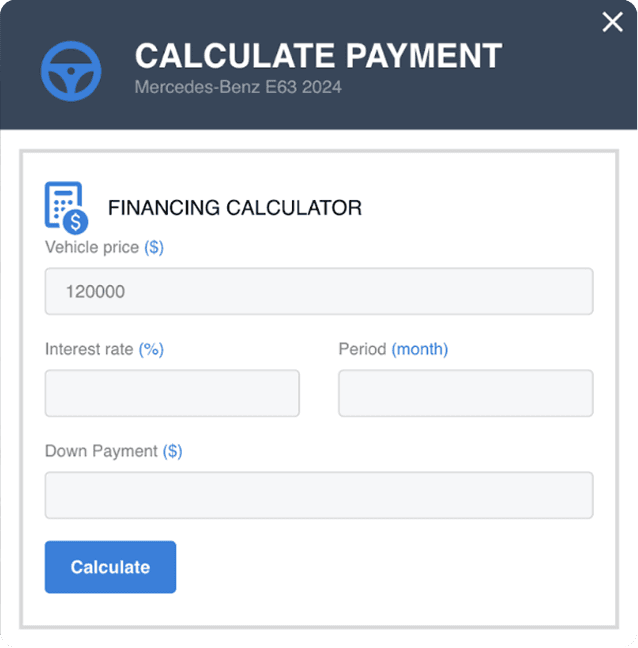
Loan calculator
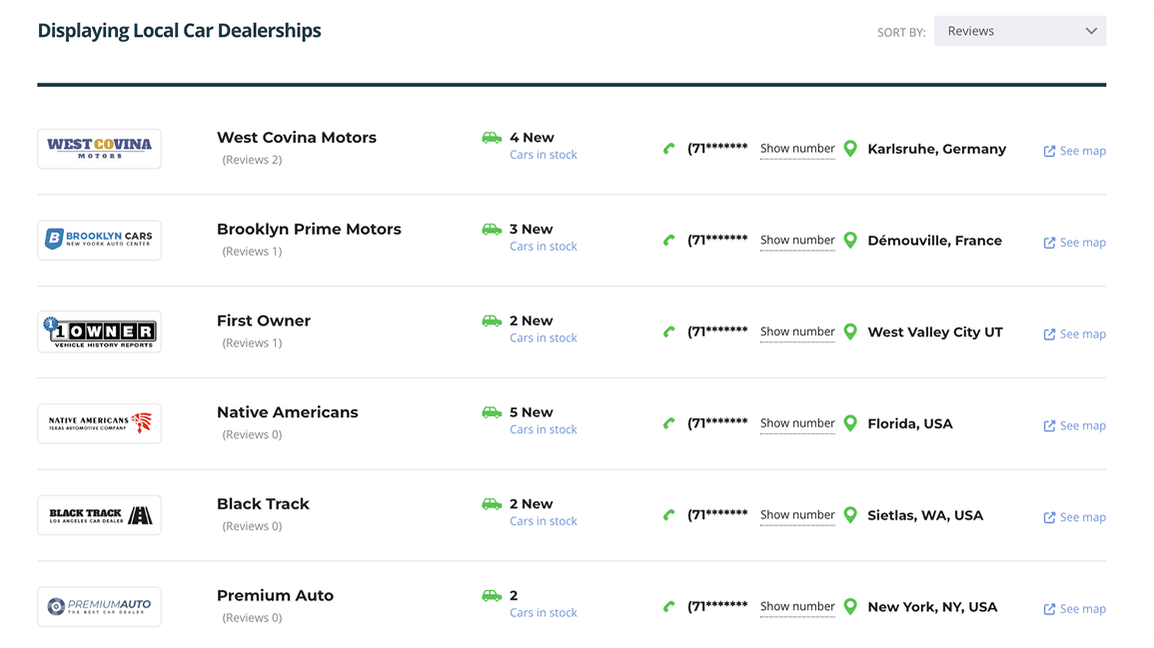
Dealer List
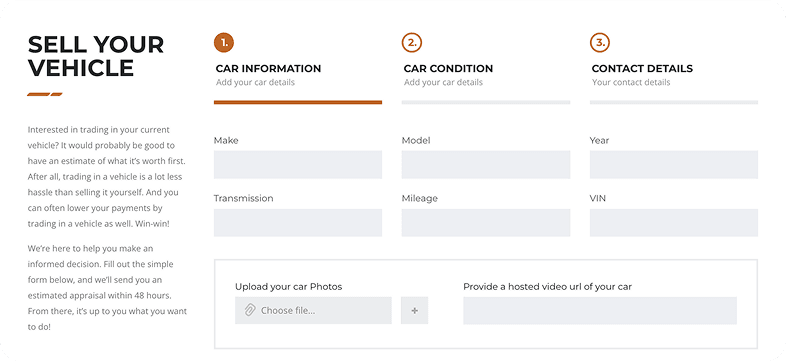
Sell Your Car
Posts Grid
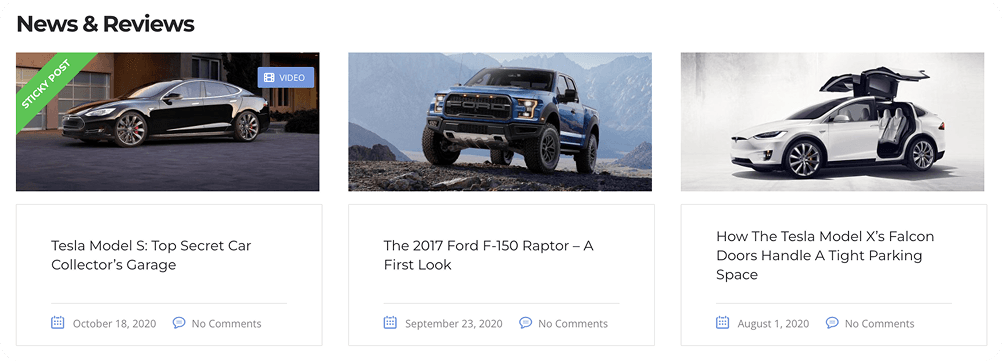
Launch a Self-Running Marketplace
Build a self-sustaining automotive marketplace with Motors, where sellers can list vehicles and buyers can browse, compare, and connect all on your own website.
Strengthen your brand, keep full control of your data, and retain 100% of your profits.
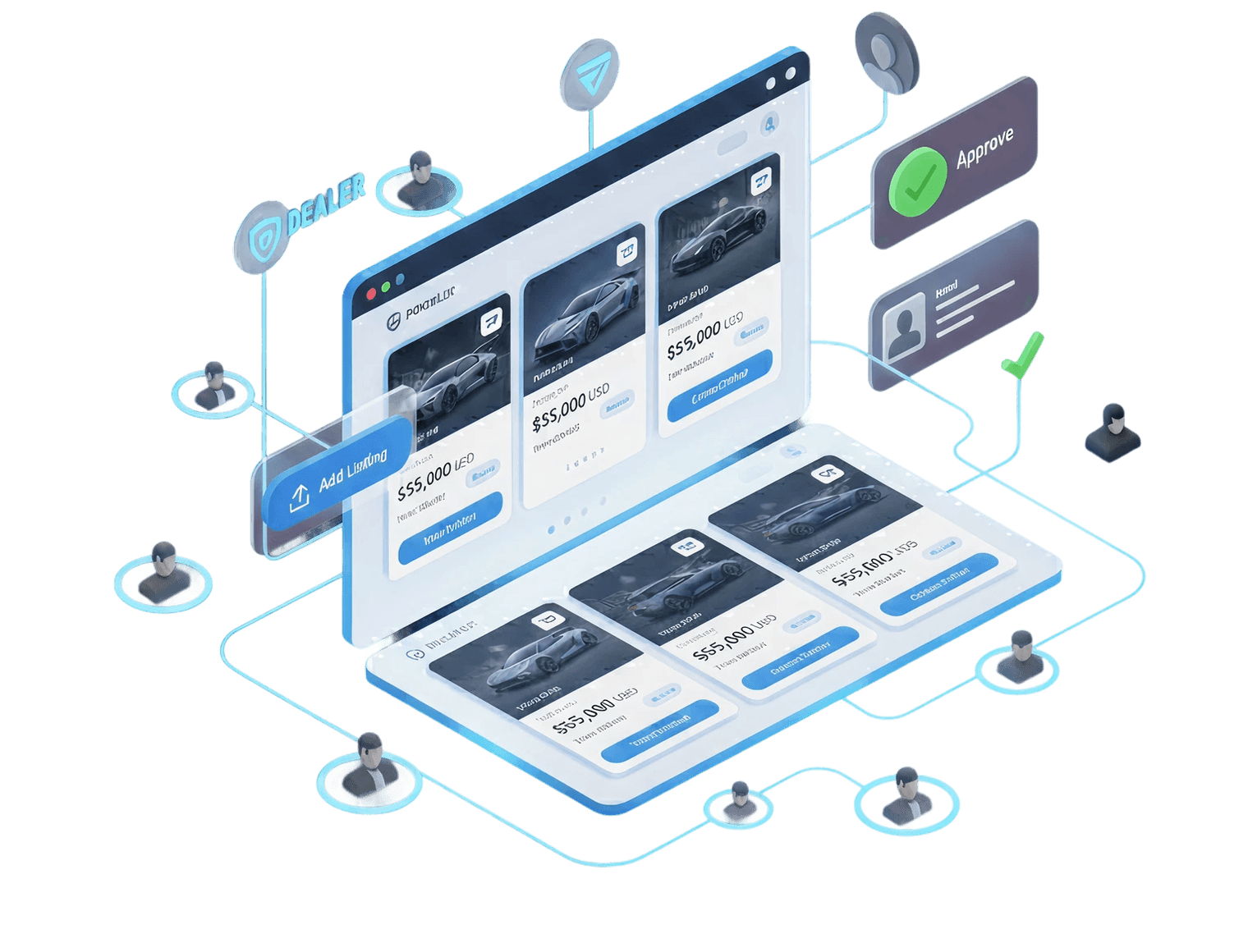
Turn Your Listings Into Reliable Revenue Streams
Create income streams with the help of the plugin: charge dealers for vehicle listings posts or sign-ups, and get paid for posting featured listings. The plugin allows you to boost sales and expand your car listing directory business using versatile monetization tools. Transform your site into revenue. Charge dealers for listings or sign-ups with flexible tools that grow your business and boost sales.
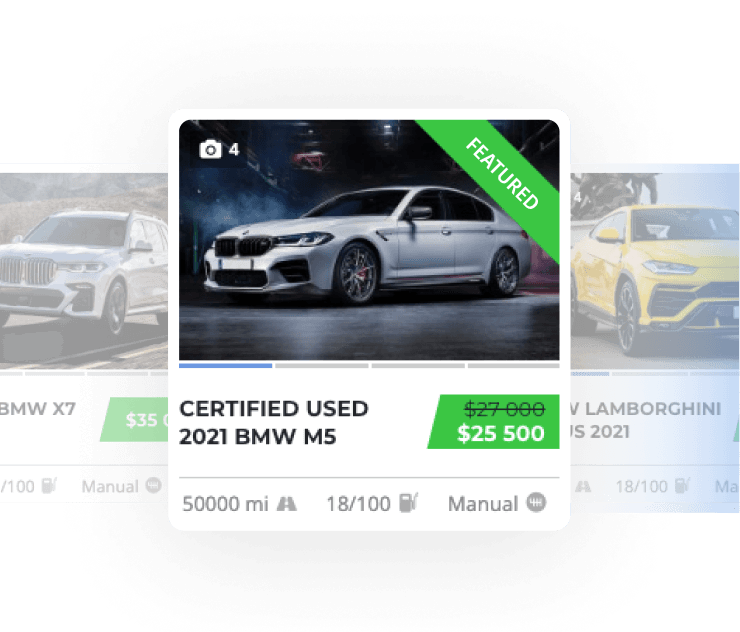
Featured Listing
Boost earnings with Featured Listings. Charge users for highlighting their posts and driving more traffic. Boost sales by letting sellers pay for top spots that get their cars seen first.
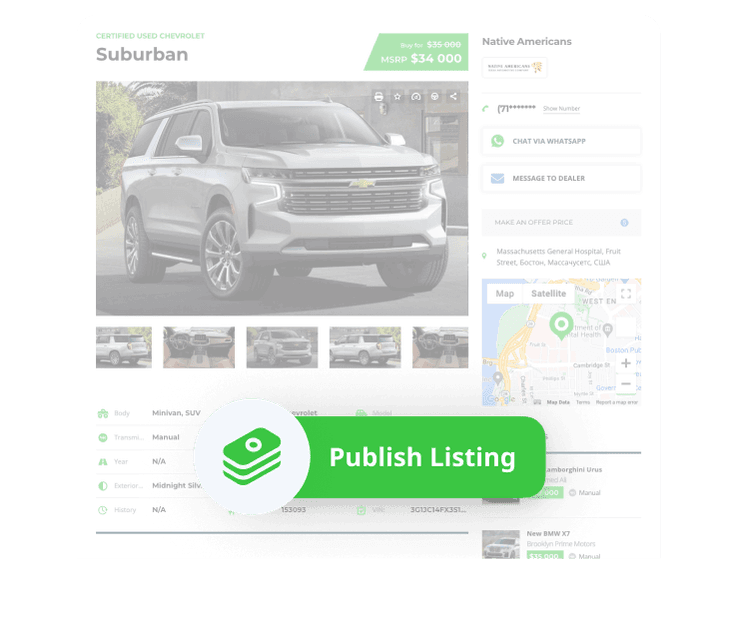
Pay Per Listing
Charge your customers per listing and generate revenue, ensuring a steady income and valuable services. Earn consistent income by charging for every new listing.
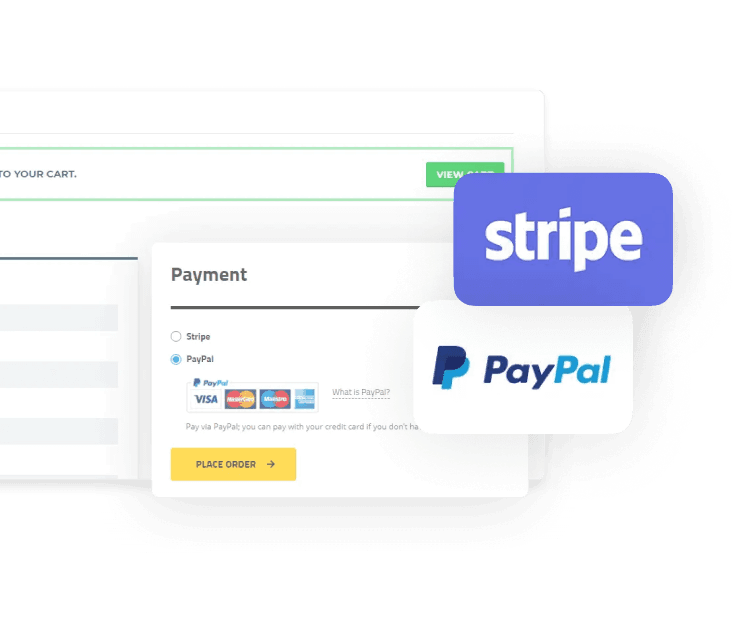
PAYMENT METHODS
Seamlessly accept payments with WooCommerce and PayPal integrations for secure and flexible transactions. Accept payments easily through WooCommerce and PayPal.
Built for Dealerships Ready to Sell Online
Launch a professional site in hours, not weeks. Every feature of Motors is built to bring more leads, sell more cars, and increase revenue without monthly fees.
- Smarter Inventory with Less Manual Work
List vehicles fast with a centralized system and custom fields. Spend less time entering data and more time closing deals.
- Made for Buyers from the Start
Turn visitors into buyers with a faster, smoother browsing journey. Use built-in search and contact tools that help your customers find the right car and connect with your team in seconds.
- Launch Faster Without Developers
Go live with a professional site even if you’ve never touched a layout. Motors includes ready templates, filters, and skins so your site looks like it was built by an agency.
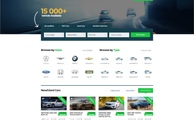
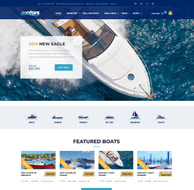
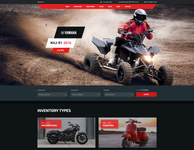
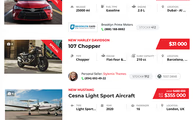
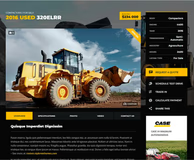
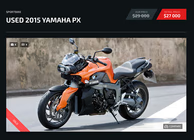
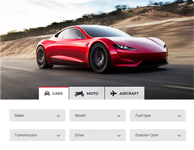
Build Vehicle Listing Sites for Every Niche
From cars to aircraft, create a directory that fits your inventory and attracts the right buyers.
- Car Dealerships
- Motorcycles Directory
- Boats & Yachts Listings
- Special Machinery Ads
- Bus & Trucks Directory
- Aircraft Dealers
- Caravans Dealership
- Classifieds Ads Listing



Premium Features
Turn your site into a sales machine with tools built for speed, clarity, and conversions.
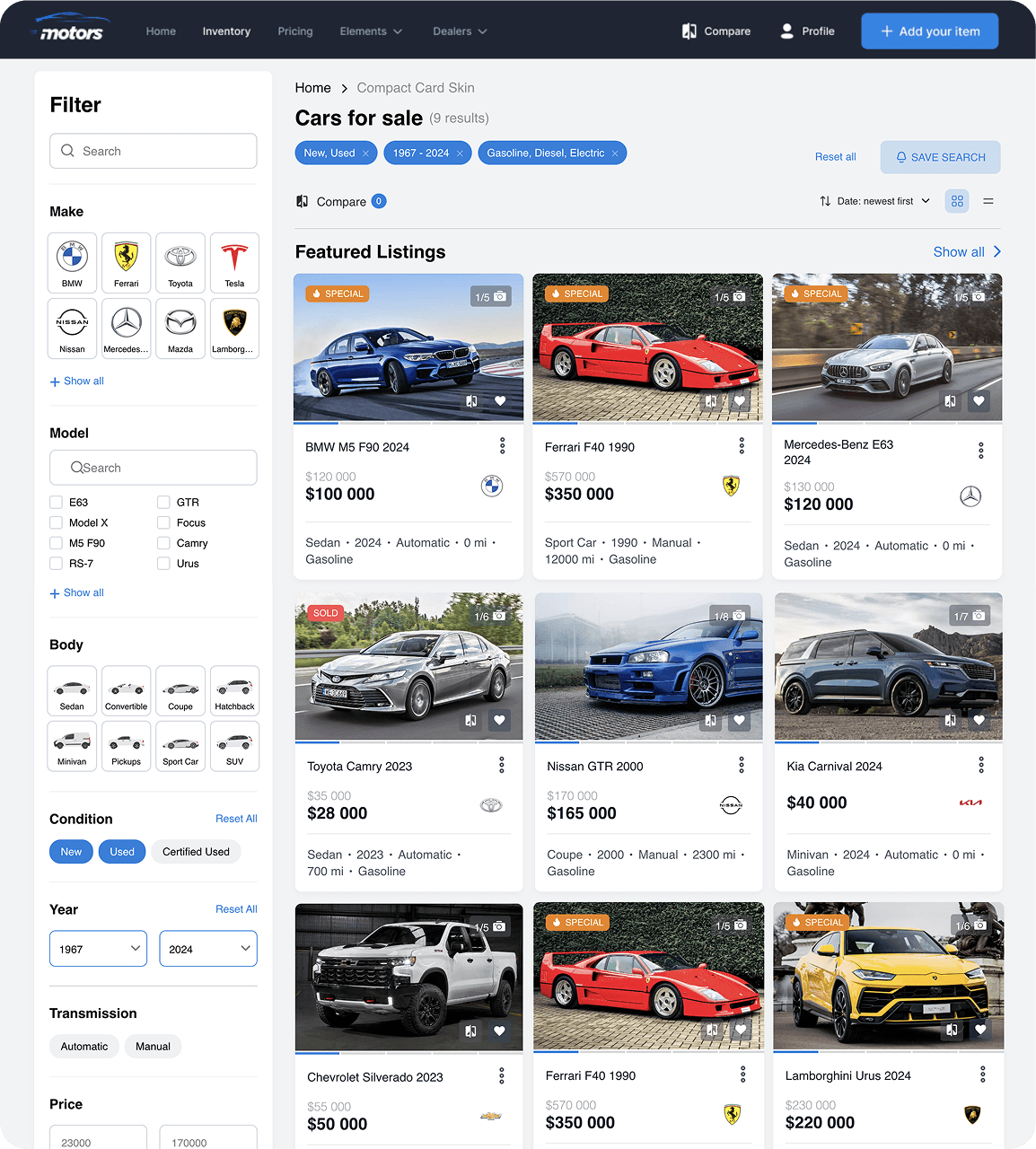
INVENTORY FILTER SKINS
Choose from different modern filter styles that fit your website design. A clean and easy filter makes your site look more professional and helps visitors quickly find what they are looking for.

FILTER KEYWORD SEARCH
Let users type words like “Ford,” “hybrid,” or “leather seats” and instantly see matching cars. This saves time and makes searching feel natural, like Google.

FILTER BY LOCATION
Allow buyers to search by city, region, or ZIP code. This way, they can quickly find cars close to their home instead of browsing through listings that are too far away.

UNLIMITED CUSTOM FIELDS
Every business is different. Add as many custom fields as you need—whether it’s mileage, color, fuel type, or anything else—to make your listings fit your exact needs.

6 Field Types
You don’t have to stick to one style of filter. Use dropdowns, sliders, toggles, checkboxes, ranges, and text fields to give visitors a smooth and flexible way to search.

All-in-One Listing Manager
No need to jump between different pages. From one simple dashboard, you can edit listings, publish new ones, mark cars as sold, or remove old ads in just a few clicks.

Listing Card Skins
Make your cars stand out with stylish card designs. Better visuals attract more attention, keep visitors on your site longer, and increase the chance of getting leads.

Listing Templates
Skip the boring part of designing each page. Use ready-made templates that keep your site looking clean and consistent, while saving you hours of manual work.

Frontend Listing Submission Form
Let your users or dealers add new cars directly from the website without needing access to the admin panel. It’s easier for them and safer for you.

Email Templates Manager
Send professional emails without writing them from scratch each time. Customize ready templates for things like new user sign-up, booking confirmation, or inquiries.

Car Info Autocomplete
Automatically fill in vehicle details by selecting a make, model, year or VIN. Speeds up listing creation and ensures accurate data.

Prebuilt Website Skins
Launch your site faster. Choose from beautifully designed website skins that are ready to use. No coding, no design skills needed — just install and go live.

Whatsapp Integration
Connect instantly with buyers where they already spend time. With one click, visitors can start a WhatsApp chat with you directly from your listings or dealer page.

Loan Calculator
Help buyers plan better by letting them calculate monthly payments and total loan costs directly on the listing page. This keeps them engaged and closer to purchase.

Listing Comparison
Make it simple for users to compare cars. They can see prices, features, and specifications side by side, making decision-making easier and faster.

SEO-Friendly URL
Your site will show up better on Google with clean and simple URLs. More visibility means more visitors and more leads.

Image Sliding on Hover
Visitors don’t need to click into every listing to see more pictures. By hovering over a car card, they can see different angles and details right away.

Sold Status for Listings
Mark cars as “Sold” when they are no longer available. This builds trust with visitors and keeps your website accurate and up to date.

Saved Searches
Let users save their favorite filters—like “SUV under $20k.” They’ll get alerts when new cars match their search, bringing them back to your site again and again.

Multiple Currencies
Show prices in the local currency of each visitor. Perfect for international buyers and sellers, making your site friendly to a global audience.

Login/Registration Form
Make sign-ups quick and simple. Users can register or log in directly from the website without extra steps.

Email Confirmation
Keep your site safe from fake accounts. New users confirm their email with one click, so you know they are real.

Dealer & Manager Roles
Give your team different access levels. Dealers can manage their own cars, managers can update listings, and you stay in full control without sharing admin rights.

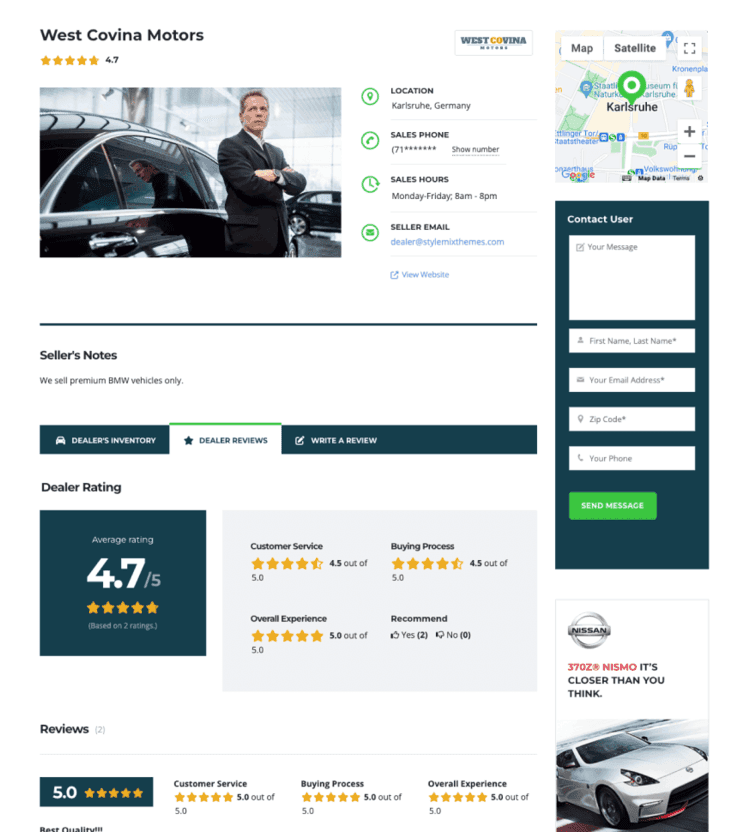
Dealer Profile Page
Show dealer details like company info, phone number, and all active listings on one page. This builds trust and makes it easier for buyers to connect.

Google Maps Integration
Show your cars on Google Maps so users can browse by location. A map view makes it fun and easy to find nearby vehicles.

Google Recaptcha Integration
Protect your forms from spam and bots. Visitors won’t notice it, but your site stays secure.

Paid Featured Listing
Highlight special cars at the top of your catalog. Dealers pay to promote listings, and you earn more revenue while giving them more exposure.

Pay Per Submit
Charge a small one-time fee for each new listing submitted. A simple way to monetize your site without subscriptions.

Social Login
Let users log in with Google or Facebook in one click. No need to remember extra passwords.

VIN Decoder
Save time by automatically filling in car details from the VIN number. The system adds specs, manufacturer info, and production year instantly.

Get MOTORS Plugin Now
Build your own professional WordPress car listing website with the most powerful dealer plugin.
We are Featured On






FREQUENTLY ASKED QUESTIONS
How easy is it to customize my dealership website?
Very easy. With Motors, you don’t need coding skills. The plugin includes 20+ Elementor widgets, multiple listing templates, and a user-friendly interface trusted by over 20,000 businesses. You can adjust layouts, colors, and features in just a few clicks — no developer required.
Does the Motors dealer plugin include support and updates?
Yes. With 7+ years of active development, Motors receives regular updates to stay secure and fully compatible with the latest WordPress versions. All license plans include dedicated customer support with an average response time under 24 hours.
Can I import or export vehicle listings?
Absolutely. Motors supports CSV import and export, letting you manage your entire inventory in bulk. Whether you’re migrating from another platform or updating hundreds of listings at once, the built-in tools make it fast and straightforward.
How secure is the Motors plugin for car listings?
Your data is safe. Motors follows WordPress security best practices and is regularly audited for vulnerabilities. The plugin protects your website, vehicle listings, and customer information with proper data sanitization and secure coding standards.
What kind of customer support is available?
Our support team is available via email and ticket system to help with setup, customization, and troubleshooting. With a 4.8/5 customer satisfaction rating across 1,250+ reviews, we’re committed to helping you get the most out of Motors for your dealership.