
- Product
- Live Demo
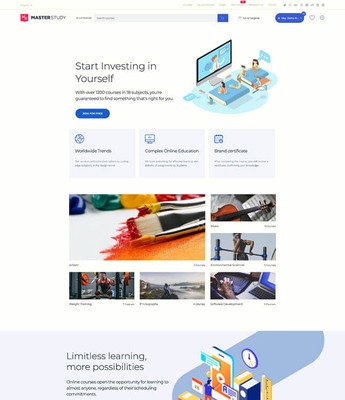
Light LMS
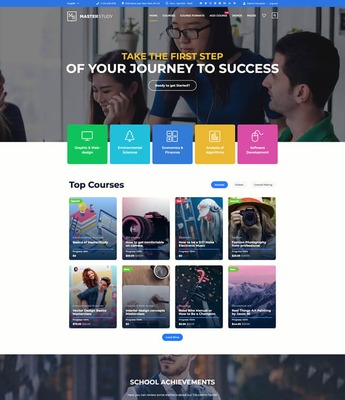
Classic LMS

Architecture
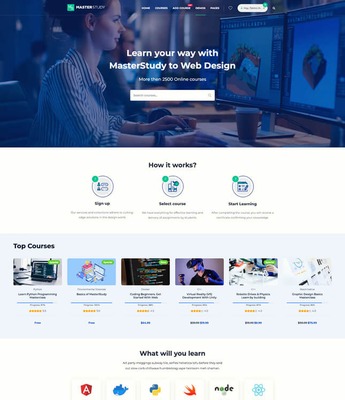
Coding School
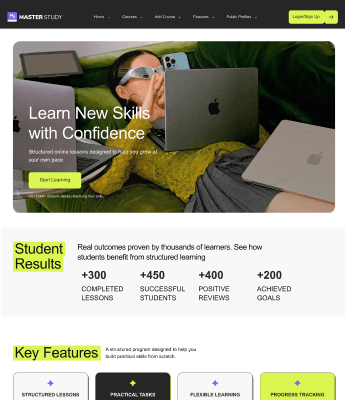
Creators

Coaching

Marketing
- + 13 more templates
View all 20


Interactive and Manageable Assignments
Create assignments, allow various file uploads, manage simply, give multiple tries and record feedback.
![[object Object]](/wordpress-lms-plugin/_nuxt/img/8d32988.png)
With MasterStudy, you can easily add assignments to your courses with the Course Builder. Teachers can create assignments for students so that tudents get to practice what they learn and improve their skills!
![[object Object]](/wordpress-lms-plugin/_nuxt/img/5f59569.png)
Let your students attach different types of files to your assignments. Teachers can decide which file formats are allowed, how many files students can upload, and the maximum file size. Your students can use images, documents, presentations, audio, videos, and more.
![[object Object]](/wordpress-lms-plugin/_nuxt/img/1828728.png)
MasterStudy LMS makes managing assignments simple with two dashboards. The first dashboard shows assignments from different courses with reports on how many students took the assignment, passed, failed, and pending reviews. By clicking "More," you can access the Student Assignments dashboard. Here, you can see the student's name, course, submission date, status, and review and update the assignment status.
![[object Object]](/wordpress-lms-plugin/_nuxt/img/620f9e0.png)
Your students can have multiple tries to pass an assignment. Teachers can set the number of allowed attempts and giving students the chance to improve their work and learn from their mistakes with their feedback. This helps students do their best and understand the material better.
![[object Object]](/wordpress-lms-plugin/_nuxt/img/6784435.png)
Students and teachers record audio and video for assignments. Students can submit their work as recordings, and teachers can give feedback the same way. You can also set the maximum file size for these recordings.
Join 25,000+ MasterStudy LMS e-learning Pros today!
We offer a 14-day money-back guarantee along with a world-class community to help you get your courses online today!


Popular Products
New in Blog
Best Cost Calculator Plugin for WordPress
16 min readHow to choose the best LMS Plugin
21 min read